DBA vs. Legal Name: How to Manage Your Business Name for Local SEO
Should you use your LLC or DBA on your Google Business Profile? Learn how to manage your business name for local SEO without getting suspended.
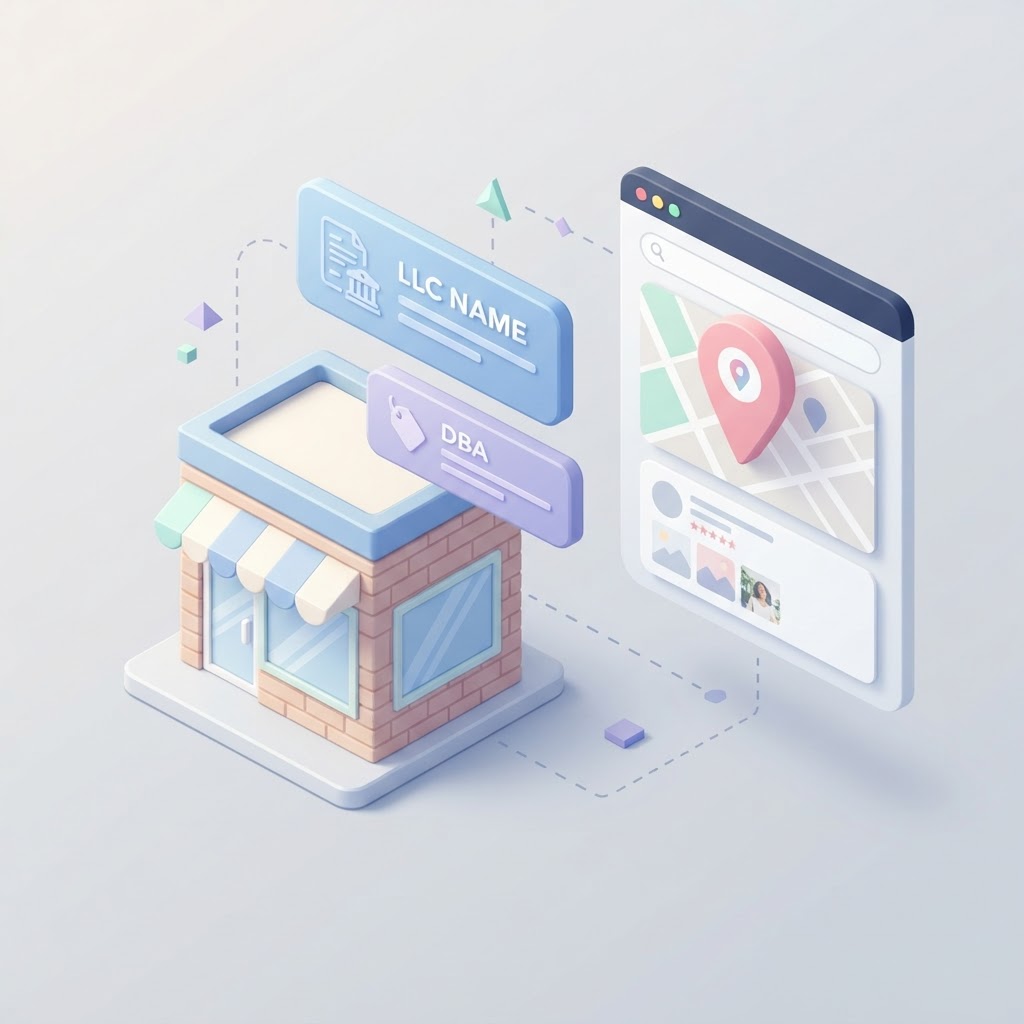
The Local SEO Naming Dilemma
You just formed "Smith Enterprises LLC," but your storefront sign says "Sunset Plumbing." When you set up your Google Business Profile, which name do you use? If you guess wrong, you risk a profile suspension. If you try to use both, you confuse your customers and destroy your local search rankings.
Managing a Doing Business As (DBA) name alongside a legal entity name is one of the most common stumbling blocks for local business owners. Here is the candid truth about how to handle your business name for local SEO, keep your citations clean, and avoid Google's wrath.
See how clearly your website communicates your location and services.
InspectRank reviews your local visibility signals and gives you a clear, prioritized report.
Get My Free ReportWhat is a DBA vs. a Legal Name?
Before we touch Google Maps, let's clarify the legal reality. Your legal name is the official entity registered with your state—like an LLC or Corporation. A DBA (Doing Business As), also known as a fictitious name or trade name, is simply a registered alias that allows you to operate under a different name. As the US Chamber of Commerce notes, a DBA acts as your business's nickname on paper.
A DBA does not create a new legal entity. It just lets "Smith Enterprises LLC" legally cash checks written to "Sunset Plumbing."
The Core Rule: Google Cares About Your Real-World Name
Google's guidelines are brutally simple: your Google Business Profile name must exactly match your real-world business name. This means the name printed on your storefront signage, your business cards, and the way you answer the phone.
If your customers know you as "Sunset Plumbing," that is your Google Business Profile name. Do not add "LLC" or "Inc." to your Google listing unless it is actually printed on your storefront sign and used in your daily customer interactions. Google does not care about your tax structure; it cares about real-world accuracy.
Can You Have Multiple Google Profiles for Different DBAs?
Many entrepreneurs run multiple DBAs under a single LLC. For example, "Smith Enterprises LLC" might operate "Sunset Plumbing" and "Sunset HVAC." Can you create two separate Google Business Profiles?
See how clearly your website communicates your location and services.
InspectRank reviews your local visibility signals and gives you a clear, prioritized report.
Get My Free ReportYes, but only if they operate as genuinely distinct businesses. To survive a manual review by Google, each DBA needs its own dedicated phone number, distinct branding, separate website (or clear separate pages), and ideally, separate signage. If you just create five DBAs to spam different keywords in the same city using the same phone number, your profiles will be suspended.
The NAP Consistency Trap
Your Name, Address, and Phone number (NAP) must be identical across the internet. If your Yelp profile says "Smith Enterprises," your website says "Sunset Plumbing LLC," and your Google profile says "Sunset Plumbing," you are actively sabotaging your local SEO.
Search engines use these citations to verify your existence. Pick your customer-facing DBA and use it relentlessly across every directory, social media profile, and local chamber of commerce listing. If you have old listings floating around with your legal LLC name, you need to clean them up immediately.
What to Do Next
Audit your online presence today. Search for your legal LLC name and your DBA. If you find a mess of conflicting names, start updating your local citations to match your exact Google Business Profile name. Consistency is the foundation of local search trust.
Sources & references
See what InspectRank finds on your website
Get a clear report covering website SEO, technical health, local visibility and AI search readiness.
Get My Free ReportRelated guides
Falsely Marked as Permanently Closed: How to Recover Your Google Business Profile
Did Google falsely mark your business as permanently closed? Learn why this happens, how to fix it immediately, and how to protect your listing from malicious competitor edits.

Review Bombing Recovery: How to Protect Your Local SEO During a Viral PR Crisis
A sudden influx of fake 1-star reviews can destroy your local search rankings overnight. Learn the exact step-by-step playbook to document the attack, report fake reviews to Google, and protect your local SEO during a review bombing crisis.
Mall and Plaza SEO: How to Rank When Your Business is Inside Another Building
Struggling to rank your retail store or food stall inside a mall or large office building? Learn how to use the Google Business Profile 'Located In' feature, fix your map pin, and optimize your local SEO for shared addresses.

What Happens to Your SEO When a Key Employee Leaves? Handling Practitioner Profiles
When a key doctor, lawyer, or stylist leaves your practice, their Google Business Profile goes with them. Learn how to handle practitioner listings, protect your reviews, and prevent former employees from ruining your local SEO.
Google Business Profile Accessibility Attributes: A Guide for Brick-and-Mortar SEO
Learn why Google Business Profile accessibility attributes are critical for local SEO, how to add them, and why leaving them blank costs you foot traffic.