Google Business Profile Identity Attributes: Do They Actually Impact Local SEO?
Do Google Business Profile identity attributes like women-owned or veteran-owned actually improve your local search rankings? Here is the practical truth.
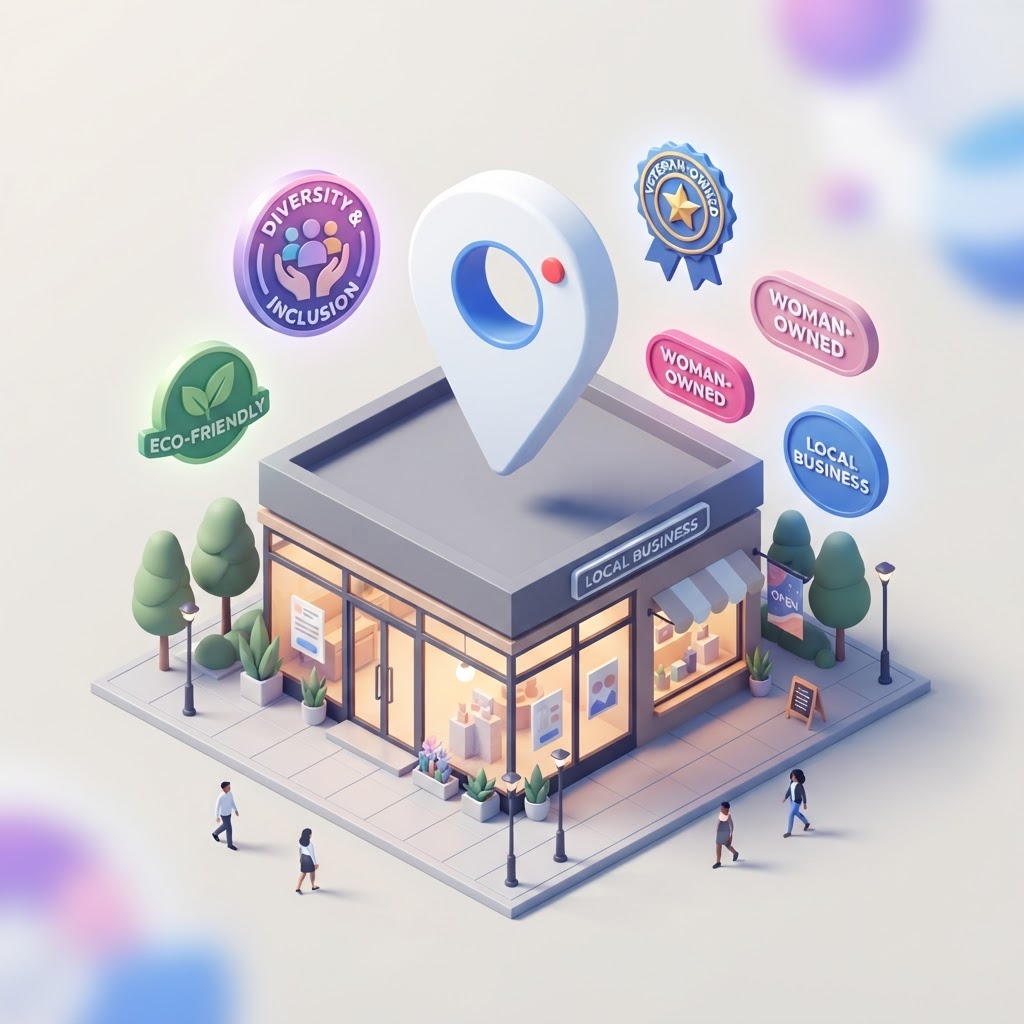
Do Identity Attributes Actually Impact Local SEO?
The short answer is no, checking an identity attribute box will not magically push your business to the number one spot for broad search terms like "plumber" or "coffee shop." Google does not use identity attributes as a primary ranking signal in the same way it uses proximity, primary categories, or review volume.
However, the practical answer is yes—identity attributes absolutely impact your local SEO strategy by driving high-intent traffic, improving click-through rates (CTR), and helping you rank for specific long-tail queries.
See how clearly your website communicates your location and services.
InspectRank reviews your local visibility signals and gives you a clear, prioritized report.
Get My Free Report1. Ranking for Long-Tail and Zero-Click Searches
While an identity attribute won't help you outrank a competitor for a generic term, it is the exact data point Google uses when a customer searches for a specific modifier. If a user searches for "veteran-owned landscaper near me" or "black-owned restaurants," Google filters the Map Pack to highlight businesses with those specific attributes. As searchers increasingly use conversational queries and AI search tools, these specific entity data points become critical for visibility.
2. Increasing Click-Through Rates (CTR)
Identity attributes often display as prominent icons (like a purple heart or a specific badge) directly in the Google Maps interface and local search results. When your listing stands out visually from the three other competitors in the Map Pack, you naturally attract more clicks. Higher engagement and click-through rates are positive behavioral signals that Google monitors closely.
3. Building Trust and Conversions
Local SEO is not just about generating impressions; it is about generating revenue. Many consumers actively prefer to support specific types of businesses in their community. By highlighting your identity, you build immediate trust and alignment with searchers who share those values, turning a casual searcher into a paying customer.
What Are Google Business Profile Identity Attributes?
Google Business Profile attributes allow business owners to highlight specific features, amenities, and qualities about their business (Google Business Profile Attributes (2026 Guide & Examples)). Identity attributes are a specific subset of these features designed to highlight the ownership background of the business.
As of 2026, the available identity attributes in the United States include:
See how clearly your website communicates your location and services.
InspectRank reviews your local visibility signals and gives you a clear, prioritized report.
Get My Free Report- Asian-owned
- Black-owned
- Disabled-owned
- Latino-owned
- LGBTQ+ owned
- Veteran-owned
- Women-owned
- Small business
Google frequently tests new attributes and visual icons to help local searchers find the best answers to their needs (New Google Business Profile Identity Attributes Now Available | Rio SEO). The "small business" attribute, for example, was introduced to help shoppers support local independent merchants over massive big-box retailers during busy shopping seasons (How to Use Google Business Profile Attributes).
How to Add Identity Attributes to Your Profile
Adding these attributes to your profile is a straightforward process, but they are only available if you have claimed and verified your listing.
- Log in to the Google account associated with your business.
- Search for your exact business name in Google Search to bring up the New Merchant Experience (NMX) dashboard.
- Click on Edit profile.
- Select the More tab at the top of the menu.
- Scroll down to the Crowd & Planning or Business Identity section.
- Click the plus icon next to the attributes that accurately describe your business, then click Save.
Keep in mind that attributes are dynamic and can vary based on your primary category and country (Manage Attributes | Google Business Profile APIs). If you do not see a specific identity attribute, it may not be available for your region or business type yet.
The Risk of Fake Attributes
Never select an identity attribute that does not accurately reflect your business ownership just to capture a few extra clicks. Google crowdsources attribute data from users, meaning customers can suggest edits to your profile if they notice discrepancies. If users report that your business is falsely claiming an identity attribute, you risk losing customer trust, receiving negative reviews, and potentially facing a profile suspension.
The Bottom Line
Identity attributes are just one piece of the puzzle when you optimize your Google Business Profile. While they won't replace the need for a strong primary category, consistent NAP data, or a steady stream of positive reviews, they are a powerful tool for capturing high-intent local searchers and standing out in a crowded Map Pack.
Sources & references
See what InspectRank finds on your website
Get a clear report covering website SEO, technical health, local visibility and AI search readiness.
Get My Free ReportRelated guides

Google Business Profile Payment Attributes: Do They Impact Search Rankings?
Discover whether adding payment attributes to your Google Business Profile actually improves your local search rankings, and why they matter for conversions.
How to Rank for 'Open Now' Searches on Google Maps
Learn how to optimize your Google Business Profile hours to capture high-intent 'Open Now' traffic on Google Maps without getting suspended.

How to Stop Competitors from Changing Your Google Business Profile Information
Competitors can suggest edits to your Google Business Profile that change your hours, address, or website. Here is how to lock down your listing and prevent malicious updates.
Stuck in 'Pending': How to Force Google Business Profile Edits to Publish
Are your Google Business Profile edits stuck in pending? Learn why Google delays your updates, the mistakes that reset the clock, and how to force your changes to publish.

Google Maps Street View Showing the Wrong Building? How to Fix Your Business View
Is Google Maps showing the wrong building or a back alley for your business? Learn how to fix your Street View image by adjusting your map pin and updating your location data.