Google Maps 360 Tours: Do Virtual Tours Actually Improve Local SEO?
Do Google Maps 360 virtual tours actually improve your local search rankings? Here is the truth about how virtual tours impact local SEO and whether your business needs one.
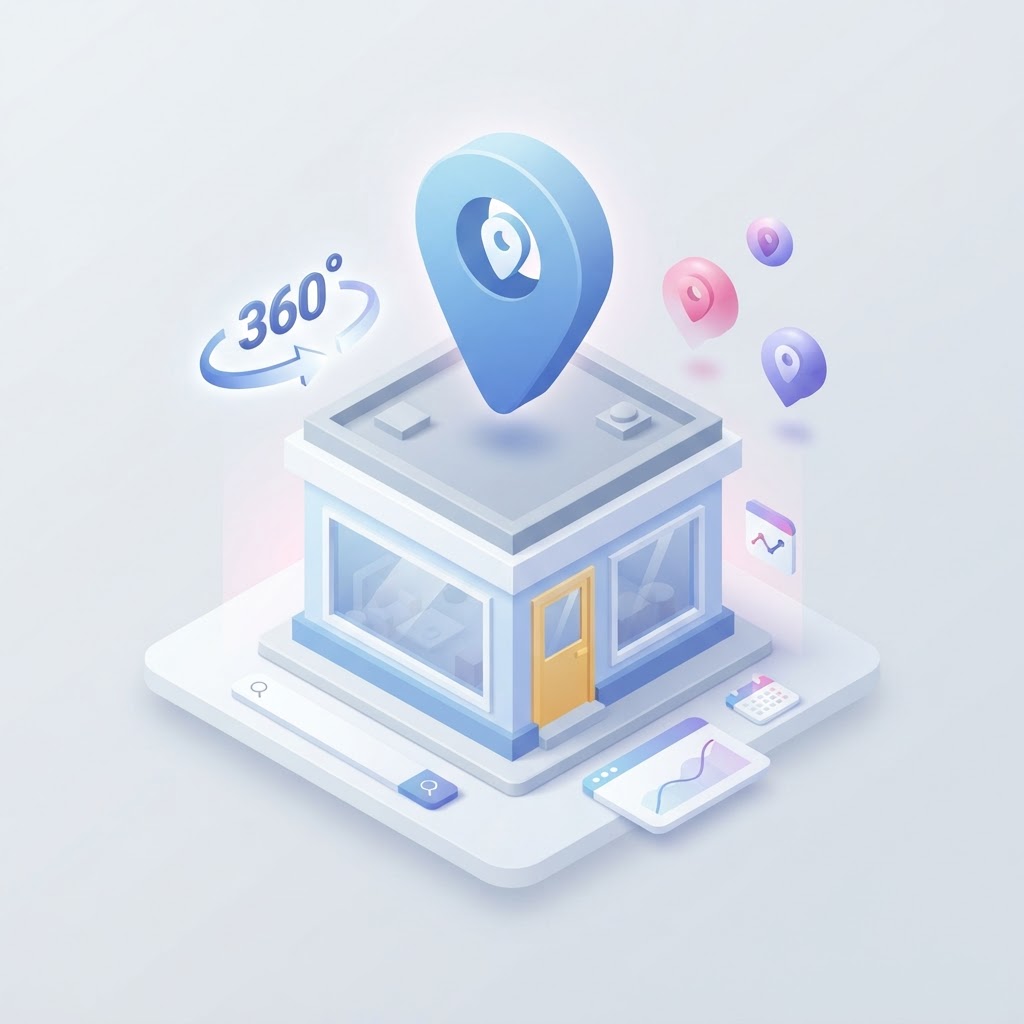
If you are wondering whether investing in a Google Maps 360 virtual tour will improve your local search rankings, the short answer is no—at least not directly. Google does not automatically boost your local ranking simply because you uploaded a 360-degree photo file to your profile. However, the long answer is that virtual tours drive the exact behavioral signals that Google uses to determine which businesses deserve to rank higher.
The Difference Between Direct and Indirect Local SEO Factors
In local SEO, it is critical to distinguish between direct ranking factors and indirect behavioral signals. A direct ranking factor is something the algorithm explicitly measures and rewards, such as having your primary keyword in your business name or being physically located close to the searcher. A 360 virtual tour is not a direct ranking factor.
See how clearly your website communicates your location and services.
InspectRank reviews your local visibility signals and gives you a clear, prioritized report.
Get My Free ReportInstead, a virtual tour is an indirect behavioral signal. When a user clicks on your Google Business Profile and explores a virtual tour, they spend significantly more time on your listing. They are more likely to click through to your website, request driving directions, or call your business. Google's algorithm monitors these engagement metrics. When a profile consistently generates high engagement, Google interprets that business as a highly relevant and satisfying answer to the user's search query, which can improve your prominence score over time.
How Virtual Tours Drive Local Search Engagement
Standard photos are essential, but they are consumed quickly. A user might swipe through ten photos in five seconds. A 360 virtual tour requires active participation. The user must click, drag, and navigate through the space. This interaction creates several measurable benefits for your local SEO strategy.
Increased Dwell Time
Dwell time is the amount of time a user spends interacting with your profile or website before returning to the search results. Virtual tours naturally extend dwell time. The longer a user explores your showroom, restaurant dining room, or gym floor, the stronger the signal to Google that your listing captured their attention.
Higher Conversion Rates for Direction Requests
Visual transparency builds trust. When customers can see exactly what your business looks like inside, they feel more confident visiting in person. Industry data consistently shows that Google Business Profiles with rich media, including 360 photos, receive a higher volume of driving direction requests compared to profiles with only basic exterior shots.
Which Businesses Actually Need a Virtual Tour?
Not every local business needs a virtual tour. If you run a service-area business where customers never visit your office, a virtual tour is a waste of resources. Virtual tours are strictly for brick-and-mortar businesses where the physical environment is a primary selling point.
| High Impact (Needs a Tour) | Low Impact (Skip the Tour) |
|---|---|
| Event venues and banquet halls | Plumbers and electricians |
| Gyms and fitness studios | Accountants and law firms |
| Restaurants and cafes | Mobile detailing services |
| Retail showrooms (furniture, bridal) | IT consulting firms |
| Salons and spas | Home-based businesses |
How to Maximize the SEO Value of Your Virtual Tour
Uploading a 360 photo to your Google Business Profile is only the first step. To extract the maximum SEO value from your investment, you must integrate the tour into your broader digital presence.
See how clearly your website communicates your location and services.
InspectRank reviews your local visibility signals and gives you a clear, prioritized report.
Get My Free ReportEmbed the Tour on Your Website
Do not leave your virtual tour isolated on Google Maps. Embed the tour directly onto your website's homepage or location pages. Just as the tour increases dwell time on your Google profile, embedding it on your website will increase your average session duration and reduce your bounce rate. These are critical website trust signals that support your overall organic search visibility.
Implement Schema Markup
If you embed the virtual tour on your website, ensure your technical SEO foundation reflects it. You can add structured data markup (Schema) to your website code to explicitly tell search engines that a virtual tour is available. Using the LocalBusiness schema with a virtualTourUrl property helps search engines index the content properly.
How to Add a 360 Tour to Your Google Business Profile
There are two primary ways to add a virtual tour to your listing. The most reliable method is to hire a Google Trusted Photographer. These independent professionals have the specialized equipment and software required to shoot high-resolution panoramic images, stitch them together seamlessly, and publish them directly to your Google Business Profile via Google's API.
Alternatively, you can take a DIY approach using a consumer-grade 360 camera and the Google Street View app. While this is more cost-effective, the image quality and transition smoothness rarely match professional standards. For businesses where aesthetics matter—like luxury retail or high-end venues—investing in a professional photographer is highly recommended.
Conclusion
A Google Maps 360 virtual tour will not act as a magic bullet for poor local SEO. If your profile lacks reviews, your website is slow, or your NAP (Name, Address, Phone) data is inconsistent, a virtual tour will not save your rankings. However, if your foundational local SEO is strong, a virtual tour is an excellent conversion optimization tool. It builds trust, keeps users engaged, and drives the behavioral signals that ultimately help you dominate the local map pack.
Sources & references
See what InspectRank finds on your website
Get a clear report covering website SEO, technical health, local visibility and AI search readiness.
Get My Free ReportRelated guides
How to Optimize Your Google Business Profile Service Menu for Transactional Searches
Stop treating your Google Business Profile service menu like an afterthought. Learn how to optimize your custom services, descriptions, and pricing to capture high-intent transactional searches.
How to Optimize Your Local Business for Google Maps 'Vibe' Attributes
Learn how restaurants, cafes, and retail shops can optimize their Google Business Profile attributes, photos, and reviews to capture high-intent 'vibe' searches.

Google Business Profile Service Areas: Should You Use Zip Codes, Cities, or a Radius?
Should you use zip codes, cities, or a radius for your Google Business Profile service area? Learn Google's strict rules and how they actually impact your local SEO.
Falsely Marked as Permanently Closed: How to Recover Your Google Business Profile
Did Google falsely mark your business as permanently closed? Learn why this happens, how to fix it immediately, and how to protect your listing from malicious competitor edits.

Review Bombing Recovery: How to Protect Your Local SEO During a Viral PR Crisis
A sudden influx of fake 1-star reviews can destroy your local search rankings overnight. Learn the exact step-by-step playbook to document the attack, report fake reviews to Google, and protect your local SEO during a review bombing crisis.