How to Optimize Your Small Business for In-Car Navigation Systems
Cars are becoming search engines on wheels. Learn how to optimize your local business for in-car navigation systems like Google built-in, Apple Maps, and TomTom.
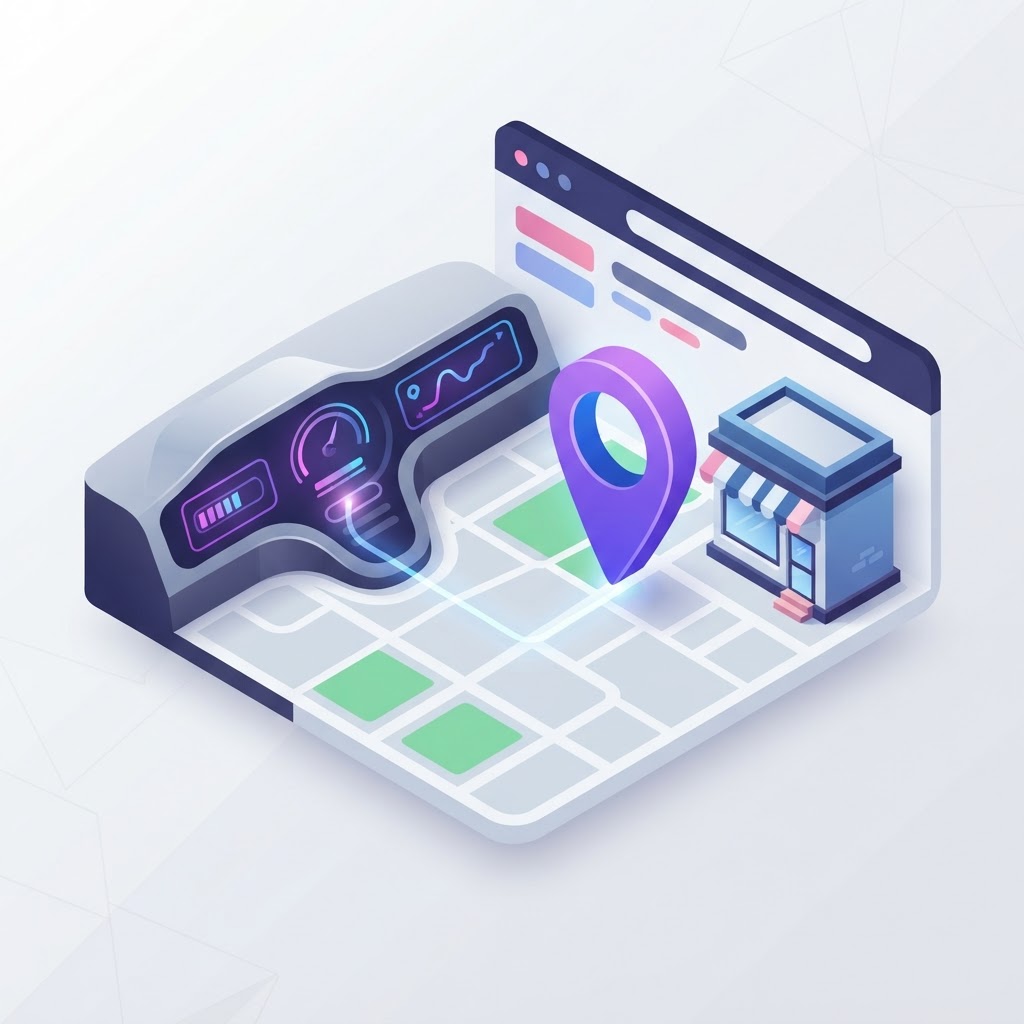
The Dashboard is the New Search Engine
When a driver is looking for a coffee shop, a hardware store, or a plumber, they aren't pulling over to type a query into a desktop computer. They are asking their car. With the rapid adoption of native in-dash navigation systems, vehicles have essentially become search engines on wheels. If your business is not optimized for in-car navigation SEO, you are invisible to drivers who might be parked right down the street.
Historically, drivers relied on their smartphones via Apple CarPlay or Android Auto. While those are still popular, manufacturers are increasingly shifting toward native, built-in operating systems. According to Cyberlicious, brands like GM, Honda, and Polestar are integrating Google built-in directly into their vehicles, while others rely on legacy systems powered by TomTom, HERE Technologies, or Yelp POIs.
See how clearly your website communicates your location and services.
InspectRank reviews your local visibility signals and gives you a clear, prioritized report.
Get My Free ReportThis means local SEO is no longer just about ranking on a smartphone screen. It is about feeding the right data to the specific mapping ecosystems that power modern vehicles.
Where Car Navigation Systems Get Their Data
To show up on a dashboard, you need to know where that dashboard pulls its information. It is not a single ecosystem. Different car manufacturers rely on different data aggregators.
| Navigation Ecosystem | Primary Data Sources | Common Vehicle Brands |
|---|---|---|
| Google Built-In / Android Automotive | Google Business Profile, Google Maps | GM, Honda, Volvo, Polestar |
| Apple Maps (via CarPlay) | Apple Business Connect, Yelp, TripAdvisor | Various (User-dependent) |
| TomTom / SYNC | TomTom Places, Yelp POIs | Ford, Stellantis |
| HERE Technologies | HERE Map Creator, TripAdvisor | BMW, Audi, Mercedes-Benz |
If you only focus on Google, you are missing out on the luxury market (HERE) and legacy domestic models (TomTom/Yelp).
How to Optimize for In-Car Navigation Systems
1. Lock Down Your Google Business Profile Coordinates
For vehicles using Google built-in, your Google Business Profile (GBP) is the sole source of truth. However, standard optimization isn't enough for drivers. You must ensure your map pin is dropped exactly at your front door or parking lot entrance. If your pin is in the middle of the building or in an alleyway, the car's navigation will route the driver to the wrong place, causing frustration and lost sales. If you need to correct this, learn how to fix a misplaced business pin.
2. Claim Your Apple Business Connect Profile
Millions of drivers still use Apple CarPlay, which relies entirely on Apple Maps. Apple no longer relies solely on Yelp for its business data; they have their own dashboard. You must claim and optimize your listing through Apple Business Connect. Ensure your categories, hours, and exact coordinates match your GBP exactly. For a deeper dive, read our Apple Business Connect SEO guide.
See how clearly your website communicates your location and services.
InspectRank reviews your local visibility signals and gives you a clear, prioritized report.
Get My Free Report3. Do Not Ignore Yelp
Yelp might feel like a relic to some marketers, but it is the backbone of many legacy in-car navigation systems. Ford's SYNC system and older Toyota models pull point-of-interest (POI) data and reviews directly from Yelp. If your Yelp profile is incomplete or has terrible reviews, your business will not be recommended when a driver searches for "restaurants near me." Brush up on Yelp SEO for small businesses to ensure you capture this traffic.
4. Submit Data to HERE and TomTom
Luxury vehicles like BMW, Audi, and Mercedes-Benz often use HERE Technologies for their native navigation. Meanwhile, many Ford and Stellantis vehicles use TomTom. You can manually add or claim your business on these platforms using the HERE Map Creator and TomTom Places portals. It takes about ten minutes per platform and ensures your business exists in the databases that power millions of dashboards.
5. Optimize for Conversational Voice Search
Drivers don't type; they speak. They press a button on their steering wheel and say, "Find a highly-rated tire shop along my route." To capture this traffic, your website and profiles need to be optimized for conversational, long-tail queries. Include natural language on your service pages and FAQ sections that mirrors how people actually speak. For more tactics, review our guide on voice search optimization for local businesses.
The Practical Takeaway
In-car navigation SEO is about data syndication and accuracy. You cannot rely on Google alone. To capture drivers on the road, you must ensure your business information is accurate across Google, Apple, Yelp, TomTom, and HERE Technologies. Start by auditing your map pins to ensure they route drivers to your actual parking lot, then systematically claim your profiles across the secondary mapping ecosystems.
Sources & references
See what InspectRank finds on your website
Get a clear report covering website SEO, technical health, local visibility and AI search readiness.
Get My Free ReportRelated guides
How to Optimize Your Small Business for 'Things to Do' Local Searches
Struggling to rank for 'things to do' in your city? Learn how local entertainment and hospitality businesses can use Barnacle SEO, Google Business Profile optimization, and hyper-local content to capture tourist and local search traffic.
The SEO Impact of Using a Virtual Receptionist or Answering Service
Discover how missed calls damage your local search rankings and why using a virtual receptionist or answering service can protect your Google Business Profile.
The SEO Dangers of Using Stock Photos on Local Service Pages
Do stock photos hurt your local SEO? Learn why generic images destroy customer trust, kill image search traffic, and drag down your Google rankings.
Local SEO for YMYL Businesses: Ranking Medical Spas, Therapists, and Clinics
Ranking a medical spa, therapy practice, or clinic requires navigating Google's strict YMYL guidelines. Learn how to use E-E-A-T, practitioner profiles, and symptom-based SEO to dominate local healthcare search.
Google Lens SEO: How Brick-and-Mortar Retailers Can Rank in Visual Search
Customers are using their phone cameras to search for products while standing in your store. Here is how brick-and-mortar retailers can optimize for Google Lens and capture visual search traffic.