Google Business Profile Rules for Appointment-Only Businesses
Learn the exact Google Business Profile rules for appointment-only businesses. Discover how to set your hours, use attributes, and avoid profile suspensions while maintaining local SEO visibility.
Understanding Google Business Profile Rules for Appointment-Only Businesses
For private studios, consultants, and exclusive services, operating by appointment only is a standard business model. However, Google Business Profile (GBP) rules can be confusing when you do not accept walk-in customers. If you set up your profile incorrectly, you risk confusing potential clients or facing a profile suspension.
How Google Views Appointment-Only Businesses
Google's primary goal with Maps and Search is to provide accurate information to users. If a customer drives to your location expecting to walk in and finds a locked door, it creates a poor user experience. Therefore, Google requires businesses to accurately reflect how they interact with customers.
See how clearly your website communicates your location and services.
InspectRank reviews your local visibility signals and gives you a clear, prioritized report.
Get My Free ReportStorefront vs. Service-Area Business
The first step is determining your business type according to Google's guidelines:
- Storefront: Customers visit your physical location. If you operate out of a studio or office but only see clients by appointment, you are still considered a storefront.
- Service-Area Business (SAB): You travel to the customer's location (e.g., a mobile detailer or in-home consultant). SABs must hide their physical address on their profile.
- Hybrid: You have a physical location where customers visit, but you also travel to them.
Setting Up Your Profile for Appointment-Only Operations
If you are a storefront that operates strictly by appointment, here is how to configure your Google Business Profile to comply with guidelines and set the right expectations.
1. Adjusting Your Business Hours
According to Google's guidelines, businesses that operate strictly by appointment should not list standard operating hours. Instead, you should set your hours to "Open with no main hours." This prevents customers from assuming they can walk in at any time during the day.
2. Utilizing Business Attributes
Attributes are a powerful way to communicate your business model. In your GBP dashboard, navigate to the Amenities/Attributes section and select the following if applicable:
- Appointment required
- No walk-ins
- Identifies as a home-based business (if applicable)
3. Updating Your Business Description
Your business description is prime real estate for setting expectations. Clearly state your policy in the first few lines. For example: "We operate strictly by appointment only to provide our clients with dedicated, uninterrupted service. Please call or book online before visiting. Walk-ins are not accepted."
See how clearly your website communicates your location and services.
InspectRank reviews your local visibility signals and gives you a clear, prioritized report.
Get My Free Report4. Adding Booking Links
Make it as easy as possible for customers to schedule with you. Add a direct link to your booking system (such as Calendly or your website's scheduling page) in the "Booking links" section of your profile.
Common Mistakes to Avoid
When optimizing an appointment-only profile, avoid these common pitfalls:
- Listing fake hours: Do not list 9 AM to 5 PM if you are not actually there and available to accept walk-ins during those times.
- Hiding your address unnecessarily: If customers come to your location for their appointments, you must display your address. Only hide your address if you travel to the customer.
- Ignoring phone calls: If you require appointments, your phone is your lifeline. Missing calls can hurt your local SEO and cost you business. Consider using a call tracking system or answering service to ensure every lead is captured.
The Impact on Local SEO
Operating by appointment only does not inherently hurt your local SEO, provided your profile is set up correctly. However, because you may not have the same foot traffic signals as a traditional retail store, you must rely heavily on other local ranking factors:
- Reviews: Consistently generating positive reviews is crucial.
- Website Authority: Ensure your website is optimized for local search terms.
- Citations: Maintain consistent Name, Address, and Phone number (NAP) information across the web.
Conclusion
Managing a Google Business Profile for an appointment-only business requires a strategic approach to ensure compliance with Google's rules and to provide a seamless customer experience. By correctly setting your hours, utilizing attributes, and clearly communicating your policies, you can maintain strong local visibility while running your business on your terms.
Sources & references
See what InspectRank finds on your website
Get a clear report covering website SEO, technical health, local visibility and AI search readiness.
Get My Free ReportRelated guides

Review Bombing Recovery: How to Protect Your Local SEO During a Viral PR Crisis
A sudden influx of fake 1-star reviews can destroy your local search rankings overnight. Learn the exact step-by-step playbook to document the attack, report fake reviews to Google, and protect your local SEO during a review bombing crisis.
Mall and Plaza SEO: How to Rank When Your Business is Inside Another Building
Struggling to rank your retail store or food stall inside a mall or large office building? Learn how to use the Google Business Profile 'Located In' feature, fix your map pin, and optimize your local SEO for shared addresses.
What Happens to Your SEO When a Key Employee Leaves? Handling Practitioner Profiles
When a key doctor, lawyer, or stylist leaves your practice, their Google Business Profile goes with them. Learn how to handle practitioner listings, protect your reviews, and prevent former employees from ruining your local SEO.
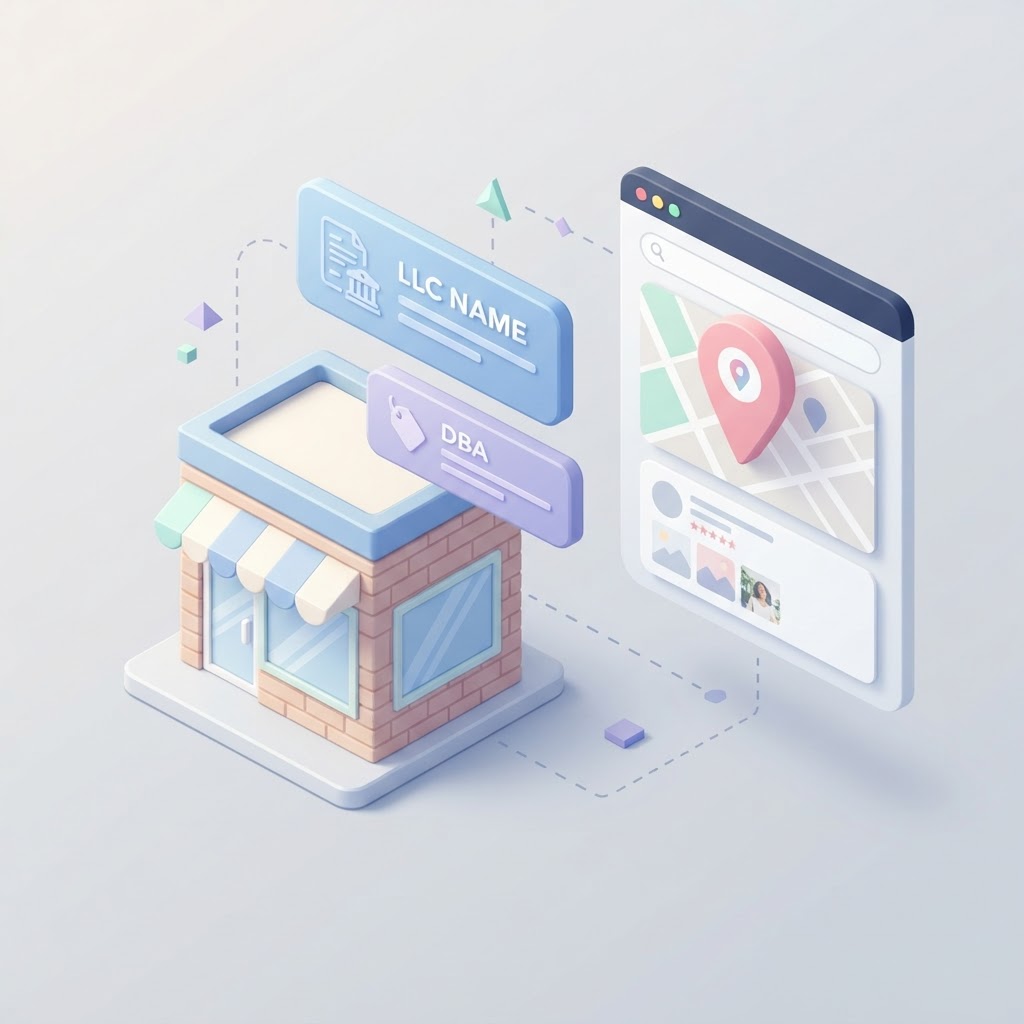
DBA vs. Legal Name: How to Manage Your Business Name for Local SEO
Should you use your LLC or DBA on your Google Business Profile? Learn how to manage your business name for local SEO without getting suspended.
Google Business Profile Accessibility Attributes: A Guide for Brick-and-Mortar SEO
Learn why Google Business Profile accessibility attributes are critical for local SEO, how to add them, and why leaving them blank costs you foot traffic.