Google Business Profile Q&A: How to Pre-Populate Questions to Drive Local Sales
Stop letting random users answer questions about your business. Learn how to pre-populate your Google Business Profile Q&A to control the narrative, feed AI search, and drive local sales.
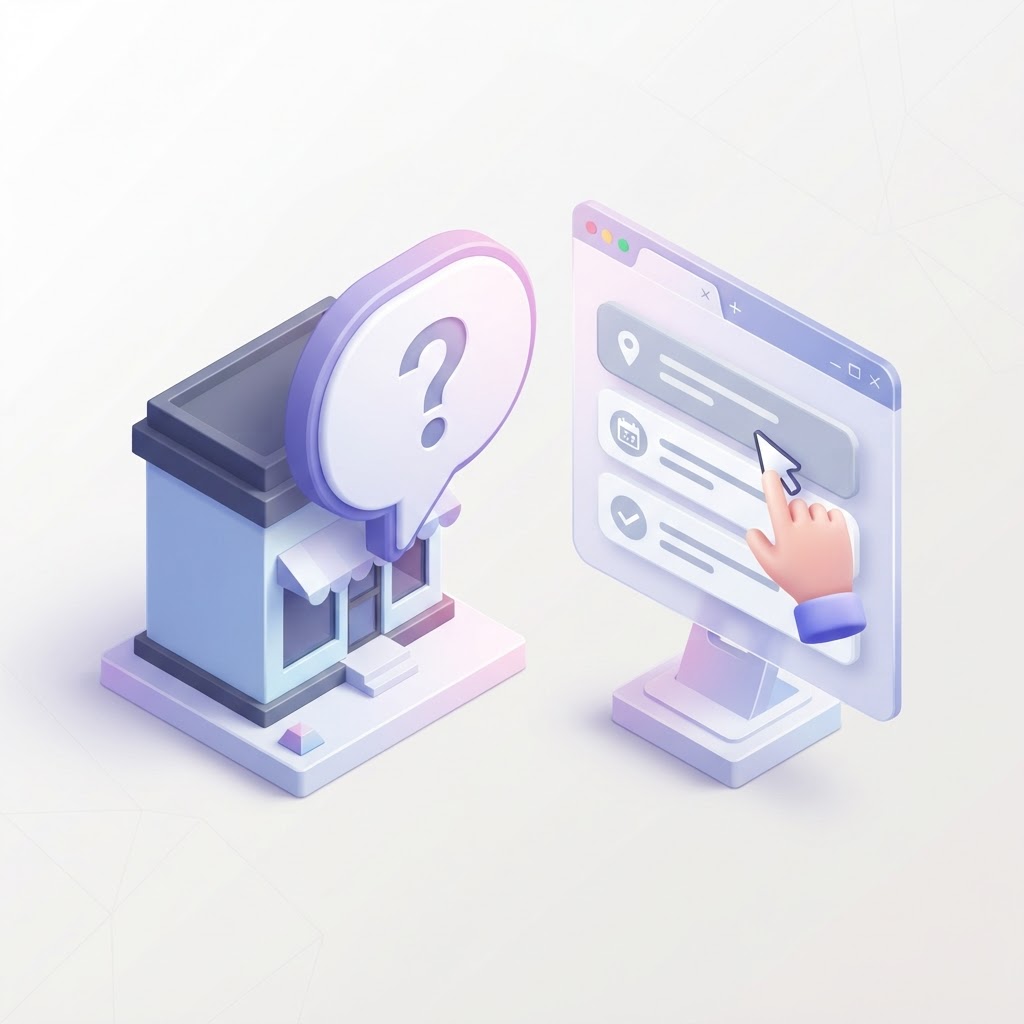
Stop Letting Strangers Answer Your Customers' Questions
If you look at the Q&A section of most Google Business Profiles, it is a wasteland of unanswered questions, or worse, questions answered incorrectly by random internet users. Google allows anyone to ask a question on your profile, and it allows anyone to answer it. If a potential customer asks, 'Do you offer free estimates?' and a random Local Guide replies, 'I don't think so,' you just lost a job.
The solution is simple but rarely executed: pre-populate your own Google Business Profile Q&A. You are allowed to ask questions on your own profile, and you are allowed to answer them. This strategy turns a vulnerability into a high-converting FAQ section that lives directly on the search results page.
See how clearly your website communicates your location and services.
InspectRank reviews your local visibility signals and gives you a clear, prioritized report.
Get My Free ReportWhy Pre-Populating Your Q&A Drives Sales
Waiting for customers to ask questions is a passive strategy. By seeding the Q&A yourself, you take control of the narrative and remove buying friction before a customer even clicks through to your website.
1. You Control the Narrative with the Owner Badge
When you answer a question while logged into your Google Business Profile account, your response gets a 'Business Owner' badge. This signals immediate authority and trust. According to The Google Q&A Strategy for Your Multi-Location Business, customers are highly likely to trust answers provided directly by the business over crowdsourced guesses.
2. It Feeds AI Search and Ask Maps
Google is increasingly using AI to summarize business information. Features like AI Overviews and 'Ask Maps' pull directly from the structured data on your profile, including your Q&A. If you want AI to recommend your business for specific queries, you need to feed it the right answers. If you are struggling with AI search visibility, check out our guide on Zero-Click Local Optimization.
3. It Removes Buying Friction
Customers are impatient. If they have to dig through your website to find out if you have parking, if you take walk-ins, or if you service their zip code, they will just call the competitor who makes it obvious. Pre-populated Q&As answer these objections instantly.
How to Seed Your Own Google Business Profile Q&A
Pre-populating your Q&A is a straightforward process, but it must be done correctly to maximize visibility.
Step 1: Gather Your Most Common Sales Questions
Do not guess what customers want to know. Talk to your front desk, check your email inquiries, and look at the questions people ask when they call. Focus on transactional questions: pricing, timelines, service areas, and logistics. You can also look at competitor listings to see what questions are being asked in your industry, as noted by Google Business Profile Q&A: How to Use It for More Visibility.
See how clearly your website communicates your location and services.
InspectRank reviews your local visibility signals and gives you a clear, prioritized report.
Get My Free ReportStep 2: Ask the Question
Log into a standard Google account (it can be your personal account or a secondary business account) and search for your business on Google Maps or Search. Find the Q&A section and click 'Ask a question.' Type your question clearly and concisely.
Step 3: Answer as the Business Owner
Switch back to the Google account that manages your Google Business Profile. Find the question you just asked and click 'Answer.' Because you are logged in as the manager, your answer will automatically receive the Business Owner badge. Be thorough, polite, and naturally include relevant keywords. If you offer specific services, this is a great place to mention them, similar to how you would optimize your Google Business Profile service menu.
Step 4: Upvote the Best Questions
Google sorts Q&As by the number of upvotes they receive. If you want your most important questions (like 'Do you offer emergency services?') to appear at the top of the list, give them a thumbs up. Questions with multiple upvotes can even surface directly on the main knowledge panel.
Common Mistakes to Avoid
While pre-populating your Q&A is a powerful tactic, doing it poorly can look spammy.
- Keyword Stuffing: Do not write questions like, 'Are you the best plumber in Chicago for cheap plumbing repair?' Write like a real human.
- Yes/No Dead Ends: Never answer a question with just 'Yes.' If the question is 'Do you offer financing?', answer with 'Yes, we offer 12-month interest-free financing through our partner. You can apply directly on our website.'
- Ignoring New Questions: Seeding your Q&A does not mean you can ignore it forever. Monitor your profile for new questions from real users and answer them promptly. Treat this engagement with the same priority as responding to Google reviews.
Conclusion
Your Google Business Profile Q&A is prime real estate on the search results page. Stop leaving it empty, and stop letting random internet users dictate your brand's narrative. Take 20 minutes this week to pre-populate your top five buying questions, answer them as the owner, and watch your local conversion rates improve.
Sources & references
See what InspectRank finds on your website
Get a clear report covering website SEO, technical health, local visibility and AI search readiness.
Get My Free ReportRelated guides

Reserve with Google: How to Get the Blue 'Book Online' Button on Your Business Profile
Learn how to get the highly visible blue 'Book Online' button on your Google Business Profile using Reserve with Google, plus troubleshooting tips if your button is missing.

Disaster Recovery SEO: Managing Your Google Business Profile After a Fire, Flood, or Hurricane
Learn how to manage your Google Business Profile and local SEO after a fire, flood, or hurricane to protect your rankings and communicate with customers.

Google Business Profile Products: Why Service Businesses Should List Services as Products
Stop hiding your best work in a text menu. Learn why service businesses should use the Google Business Profile Products feature to drive more clicks, build trust with images, and increase conversions.

Google Local Guides: Do Their Reviews Impact Your SEO More Than Regular Customers?
A Local Guide badge doesn't magically boost your rankings, but the way these users write reviews absolutely impacts your local SEO. Here is why their feedback matters more.

How to Identify and Report Fake Competitor Listings on Google Maps
Stop losing leads to fake competitors. Learn the exact step-by-step process to identify, report, and escalate fake Google Maps listings to get them removed.