Google Business Profile Social Media Links: How to Connect Your Profiles
Google now allows local businesses to manually connect their social media profiles. Here is the step-by-step guide to adding your links and displaying recent posts.
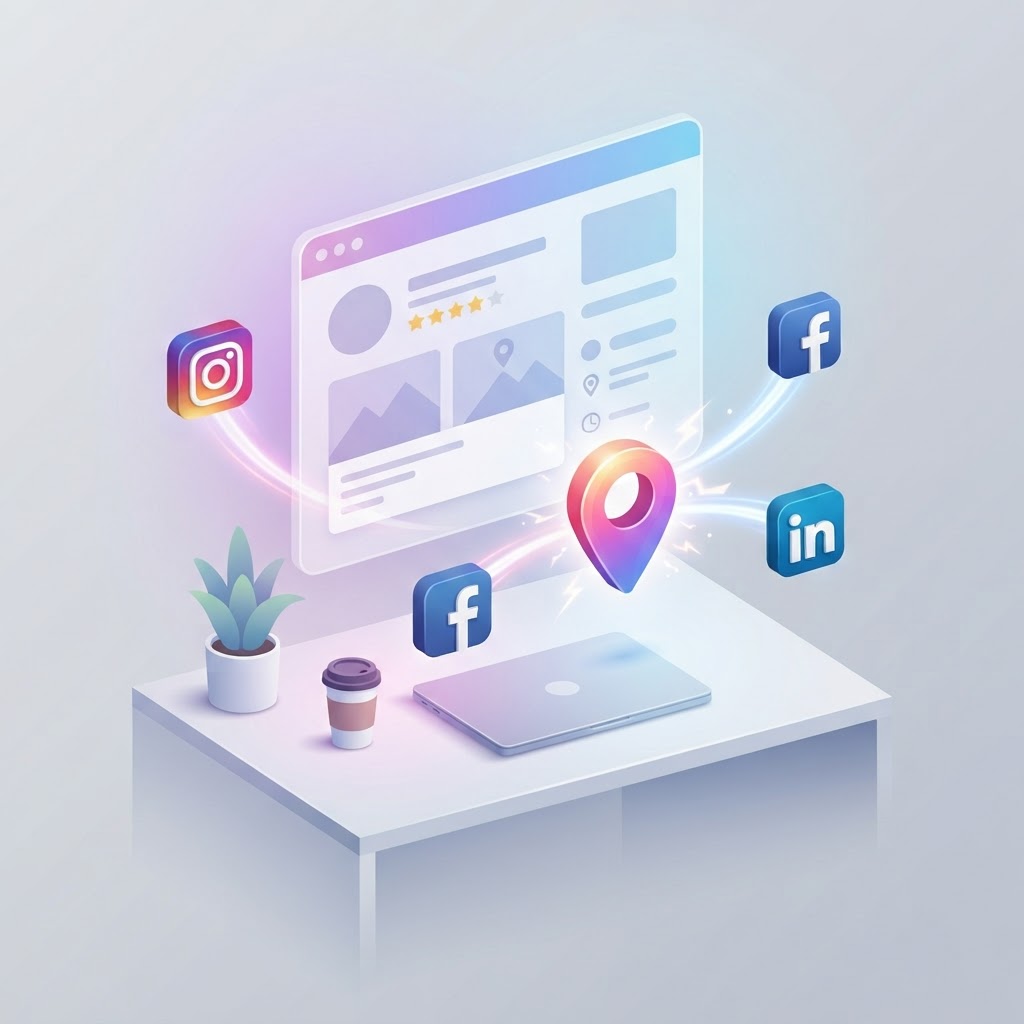
For years, local businesses had to rely on Google's algorithm to automatically find and display their social media profiles in search results. Today, you can manually add your social media links directly to your Google Business Profile. This update gives business owners control over which profiles appear in local search and enables a new feature that pulls recent social media posts directly into the search results.
Supported Social Media Platforms
Google currently supports seven major social media platforms. You are allowed to add one link per platform to your Google Business Profile. For example, you can link one Facebook page and one Instagram account, but you cannot link two separate Instagram accounts to a single location.
See how clearly your website communicates your location and services.
InspectRank reviews your local visibility signals and gives you a clear, prioritized report.
Get My Free Report- TikTok
- X (formerly Twitter)
- YouTube
How to Add Social Media Links to Your Google Business Profile
Adding your social media links takes only a few minutes and can be done directly from the Google Search interface.
- Log in to the Google account associated with your business.
- Search for your business name in Google, or search for "my business" to bring up the management dashboard.
- Click on Edit profile.
- Navigate to the Contact tab.
- Scroll down to the Social profiles section and click the pencil icon to edit.
- Click Add social profile.
- Select the platform from the dropdown menu.
- Paste the full web address (URL) of your social media profile.
- Click Save.
According to Manage your social media links - Google Business Profile Help, the links should appear on your live profile shortly after saving.
The Social Media Updates Carousel
Connecting your social media links does more than just display static icons on your profile. Google has introduced a "Social Media Updates" carousel that automatically pulls your recent posts from connected platforms directly into your Google Business Profile.
This means customers searching for your business on Google Maps or Search can see your latest Instagram photos, Facebook announcements, or TikTok videos without leaving Google. This feature functions similarly to Google Business Profile posts, but it requires zero extra effort once the accounts are linked. If you maintain an active presence on social media, this carousel acts as a dynamic website trust signal, showing potential customers that your business is active and engaged.
See how clearly your website communicates your location and services.
InspectRank reviews your local visibility signals and gives you a clear, prioritized report.
Get My Free ReportTroubleshooting: Why Won't My Social Media Links Save?
If you attempt to add a social media link and receive an error, or if the link fails to save, check for these common issues:
- Redirects: The URL you enter must be the final destination. If you use a tracking link or a shortened URL (like bit.ly) that redirects to your profile, Google will reject it.
- Incorrect Format: Ensure you are pasting the full URL (e.g., https://www.instagram.com/yourhandle) rather than just your username or handle.
- Duplicates: You cannot add more than one link for the same platform. If you already have a Facebook link saved, you must edit or remove it before adding a new one.
- Unsupported Platforms: Links to platforms outside of the approved list of seven (such as Snapchat or Threads) will not be accepted in this section.
Why Social Media Links Matter for AI Search
Beyond traditional local SEO, connecting your social media profiles helps establish your business entity for AI search engines. Systems like Google AI Overviews and SearchGPT rely on interconnected data to understand what your business does, how popular it is, and whether it is a legitimate entity.
When you explicitly link your Google Business Profile to your social media accounts, you confirm to search engines that these profiles belong to the same business. This prevents AI from confusing your business with another company that shares a similar name, ensuring that your reviews, content, and authority signals are properly credited to your local listing.
Next Steps
Log into your Google Business Profile today and verify that your social media links are accurate. If they were previously auto-populated by Google, confirm that they point to the correct accounts. If they are missing, add them manually to ensure your customers have every opportunity to connect with your business.
Sources & references
See what InspectRank finds on your website
Get a clear report covering website SEO, technical health, local visibility and AI search readiness.
Get My Free ReportRelated guides
Google Business Profile Q&A: How to Pre-Populate Questions to Drive Local Sales
Stop letting random users answer questions about your business. Learn how to pre-populate your Google Business Profile Q&A to control the narrative, feed AI search, and drive local sales.
Reserve with Google: How to Get the Blue 'Book Online' Button on Your Business Profile
Learn how to get the highly visible blue 'Book Online' button on your Google Business Profile using Reserve with Google, plus troubleshooting tips if your button is missing.
Disaster Recovery SEO: Managing Your Google Business Profile After a Fire, Flood, or Hurricane
Learn how to manage your Google Business Profile and local SEO after a fire, flood, or hurricane to protect your rankings and communicate with customers.

Google Business Profile Products: Why Service Businesses Should List Services as Products
Stop hiding your best work in a text menu. Learn why service businesses should use the Google Business Profile Products feature to drive more clicks, build trust with images, and increase conversions.
Google Local Guides: Do Their Reviews Impact Your SEO More Than Regular Customers?
A Local Guide badge doesn't magically boost your rankings, but the way these users write reviews absolutely impacts your local SEO. Here is why their feedback matters more.